
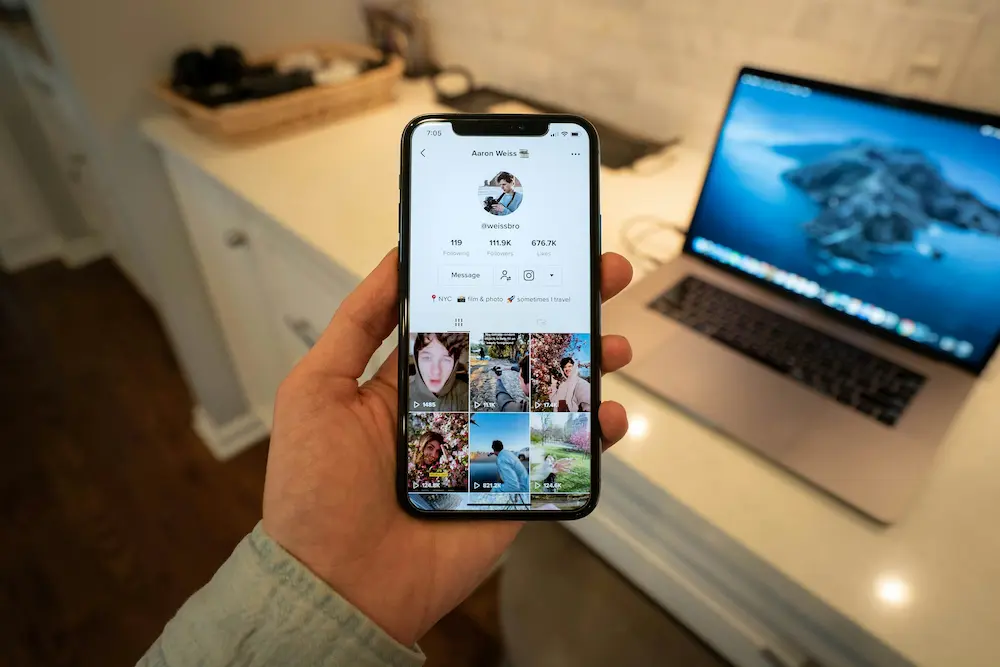
If your account is eligible, you can add a clickable website link in the TikTok mobile app by opening Profile, selecting Edit profile, and using Links > Add. TikTok documents this workflow for its mobile app, but not every account will see the Links control.
Who can add a clickable website link on TikTok?
According to TikTok’s website and social-link instructions, you can add a website link if you have at least 1,000 followers or a Registered Business Account.
However, TikTok’s official documentation is not completely consistent. Its page about TikTok account types more broadly says Business Accounts can post a website link on their profile. Because one page specifies a Registered Business Account while the other refers to Business Accounts generally, changing to a standard Business Account should not be treated as a guaranteed way to unlock Links.
Registered or verified business status is also distinct from TikTok’s public blue verification badge. TikTok describes verified business status as one of its account entitlements, so a blue badge should not be assumed to satisfy the website-link condition.
How to add a website link to your TikTok profile
The documented steps are the same for the TikTok mobile app on iPhone and Android:
- Open TikTok and tap Profile.
- Tap Edit profile.
- Next to Links, tap Add.
- Follow TikTok’s prompts to link your website.
TikTok’s current help instructions use the labels Links and Add. The controls visible on an individual account may depend on its eligibility and account status.
Why the Links option may be missing
If Links does not appear in Edit profile, work through these checks in order:
- Check the documented eligibility condition. Confirm that the account has at least 1,000 followers or Registered Business Account status.
- Review the account type without assuming a switch will work. TikTok’s pages use conflicting language about standard Business Accounts and Registered Business Accounts, so merely changing account type does not come with a documented guarantee of access.
- Update and reopen TikTok. Installing the latest available app version and reopening the profile editor is a reasonable interface check, but TikTok does not document it as a guaranteed fix for an ineligible account.
- Retry later if eligibility changed recently. An account-level feature may not appear immediately, although TikTok does not provide a documented activation timeframe.
Before considering a Business Account, note that TikTok says Business Accounts use its Commercial Music Library rather than the general music library. Do not repeatedly change account types or rely on unofficial workarounds with the expectation that they will unlock the field.
Website links versus linked social accounts
A website link is separate from TikTok’s integrations for supported social accounts. TikTok documents Instagram, YouTube, and Lemon8 as linked-account options, but it says social-account linking is not available everywhere. That regional caveat applies to the documented social integrations and should not be generalized into a rule about website-link availability.
Linking a social account does not replace the follower or Registered Business Account condition TikTok states for adding a website. Once your profile destination is set up, you can separately learn how to create and publish a TikTok post.