
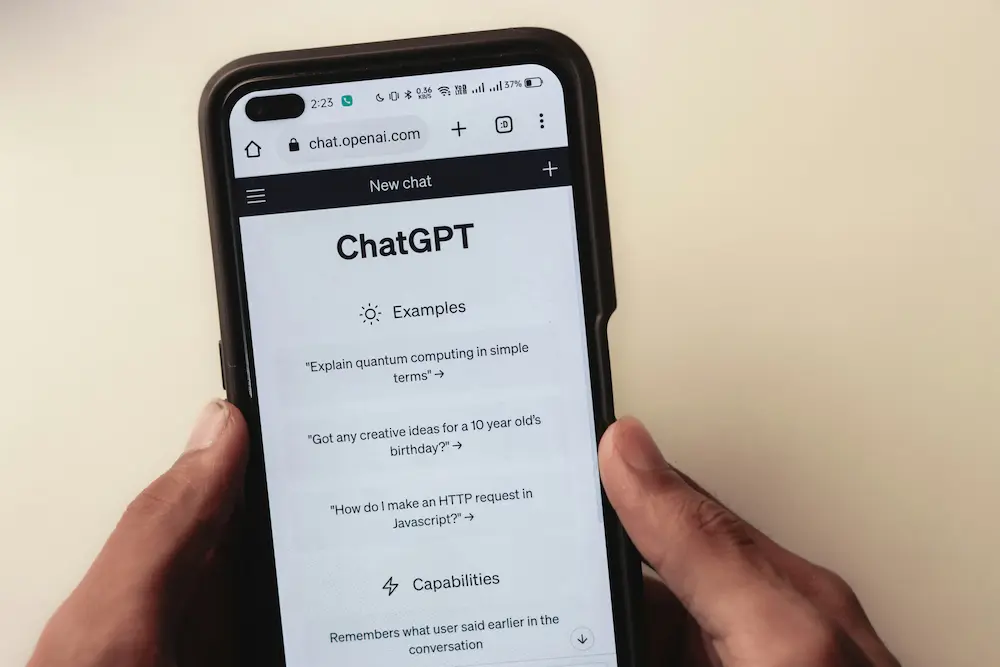
To search ChatGPT history, open Search from the left sidebar, enter an exact word or phrase you remember from the conversation, and select the matching result. Search can find older retained and archived chats even when they are absent from the compact recent-chat list.
How to search ChatGPT history on the web
- Open ChatGPT in your web browser and sign in to the account containing the conversation.
- Open Search from the left sidebar.
- Enter an exact keyword or phrase you remember from the conversation title or its ordinary messages.
- Review the matching conversations, then select the relevant result to reopen it.
Choose a distinctive term rather than a broad subject. For example, if an old travel-planning chat included the name “Kiyomizu-dera,” search for that remembered term instead of the broader word “travel.” If it produces no useful result, try a different exact word or short phrase that appeared in the title or messages.
An older conversation may remain searchable even after it is trimmed from the fast-loading recent-chat sidebar. Its absence from that short list does not by itself mean the chat was deleted. These behaviors are documented in OpenAI’s guide to searching ChatGPT history.
How to search ChatGPT history on iPhone and Android
The supported workflow is the same on the ChatGPT apps for iOS and Android:
- Open the ChatGPT app.
- Expose the left sidebar and open Search.
- Enter an exact term or phrase remembered from the conversation title or ordinary message content.
- Review the results and tap the matching conversation to open it.
The precise icon or sidebar appearance may vary with the app version, but the history controls are accessed from the left sidebar. OpenAI also provides separate guidance for accessing conversation history on iOS and Android.
What ChatGPT history search can and cannot find
ChatGPT history search covers conversation titles and ordinary message content, and OpenAI says exact matches are supported. Approximate wording may therefore miss the conversation you want; try another exact term you remember rather than relying on fuzzy or semantic matching.
| Conversation or content type | Search behavior |
|---|---|
| Older retained chat | Searchable even if it no longer appears in the compact recent-chat sidebar. |
| Archived chat | Remains searchable despite being hidden from the recent-chat list. |
| Deleted chat | Removed from the search index and cannot be retrieved through history search. |
| Conversation title | Can be matched using an exact remembered term. |
| Ordinary message content | Can be matched using an exact remembered term or phrase. |
| Text stored only in Canvas | Not searchable through conversation-history search. |
If a retained conversation still does not appear, briefly confirm that you are signed in to the account or workspace where it was created. That is separate from the history-search feature itself.
After finding an important conversation, you can optionally organize related ChatGPT chats in Projects for easier access later.